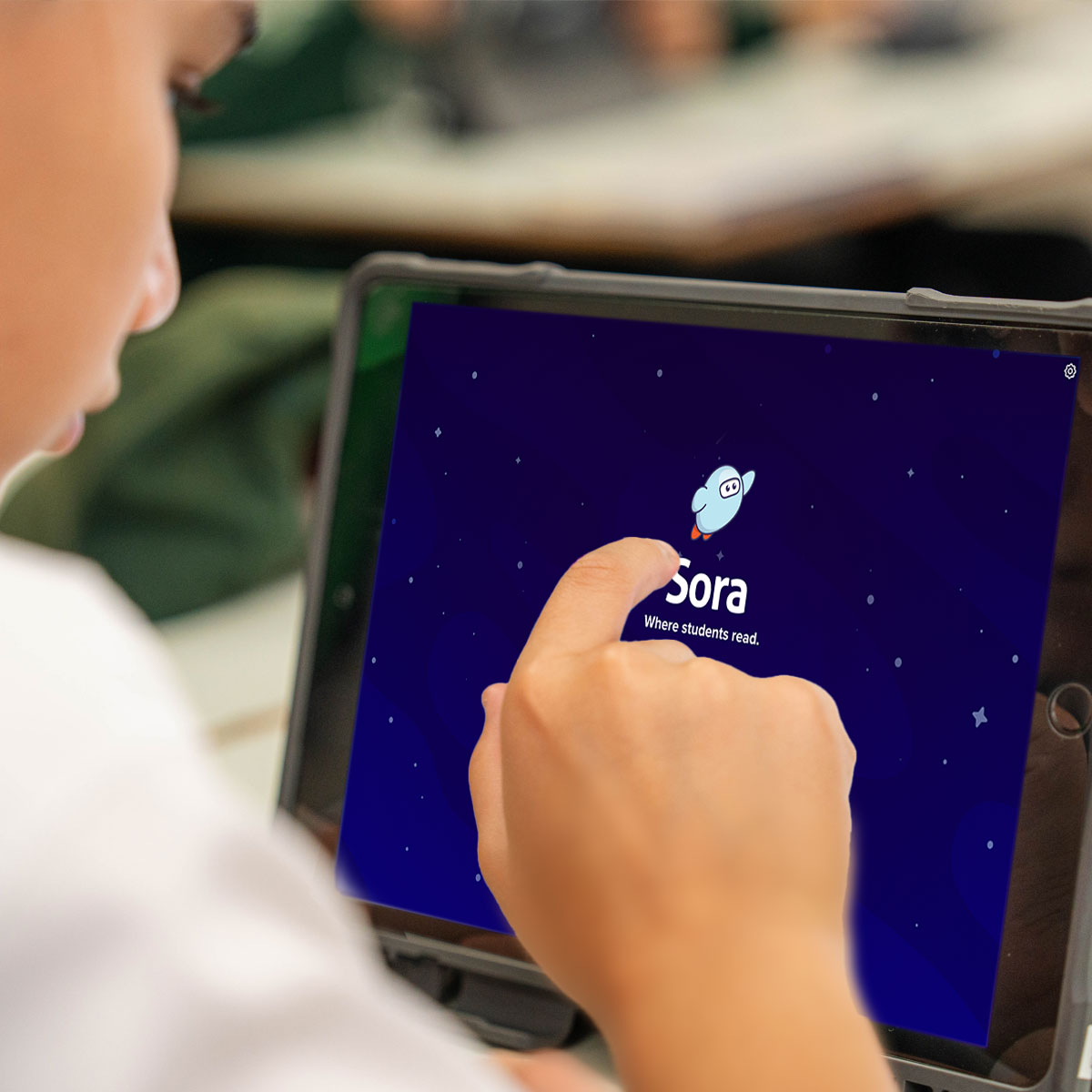
Please see the following instructions for how to access the Sora platform through an internet browser:
Step 1 - Go to www.soraapp.com through any browser.
Step 2 - Click on “Find your school”.
Step 3 - Enter your AICS Student ID Number. Please DO NOT include the “S” at the beginning of the student number, e.g. S200345 should be entered just as “200345” without the “S”.
Step 4 - To use the Sora app on various devices, simply install the app (click on the relevant icon below) and follow the instructions to set up the account or log in with student credentials.
We look forward to having students access the Sora app so they may further their reading journeys and ultimately improve their overall literacy.